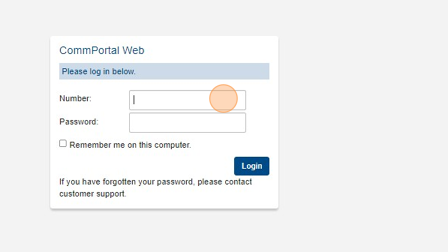
2. Login with your number and password.
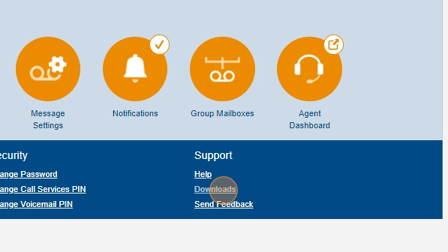
3. Click "Downloads"
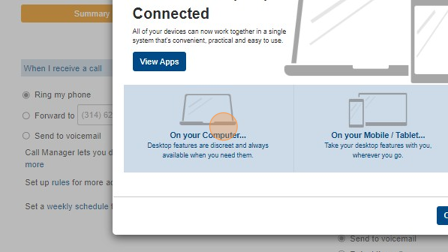
4. Click "On your computer..."
5. Click "MaX UC"
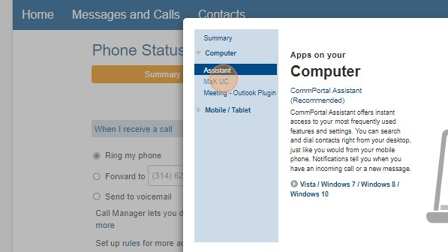
6. Click "Windows 10 / Windows 11"
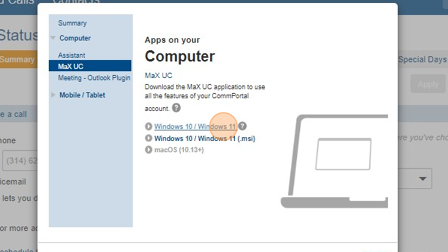
7. The download should appear in your downloads folder. Run the installer and follow the instructions on screen. Once that is complete you will be able to open the app and login with the number and password used to access the website from the beginning of the tutorial.
Was this article helpful?
That’s Great!
Thank you for your feedback
Sorry! We couldn't be helpful
Thank you for your feedback
Feedback sent
We appreciate your effort and will try to fix the article